



 1
1 2
2 3
3 4
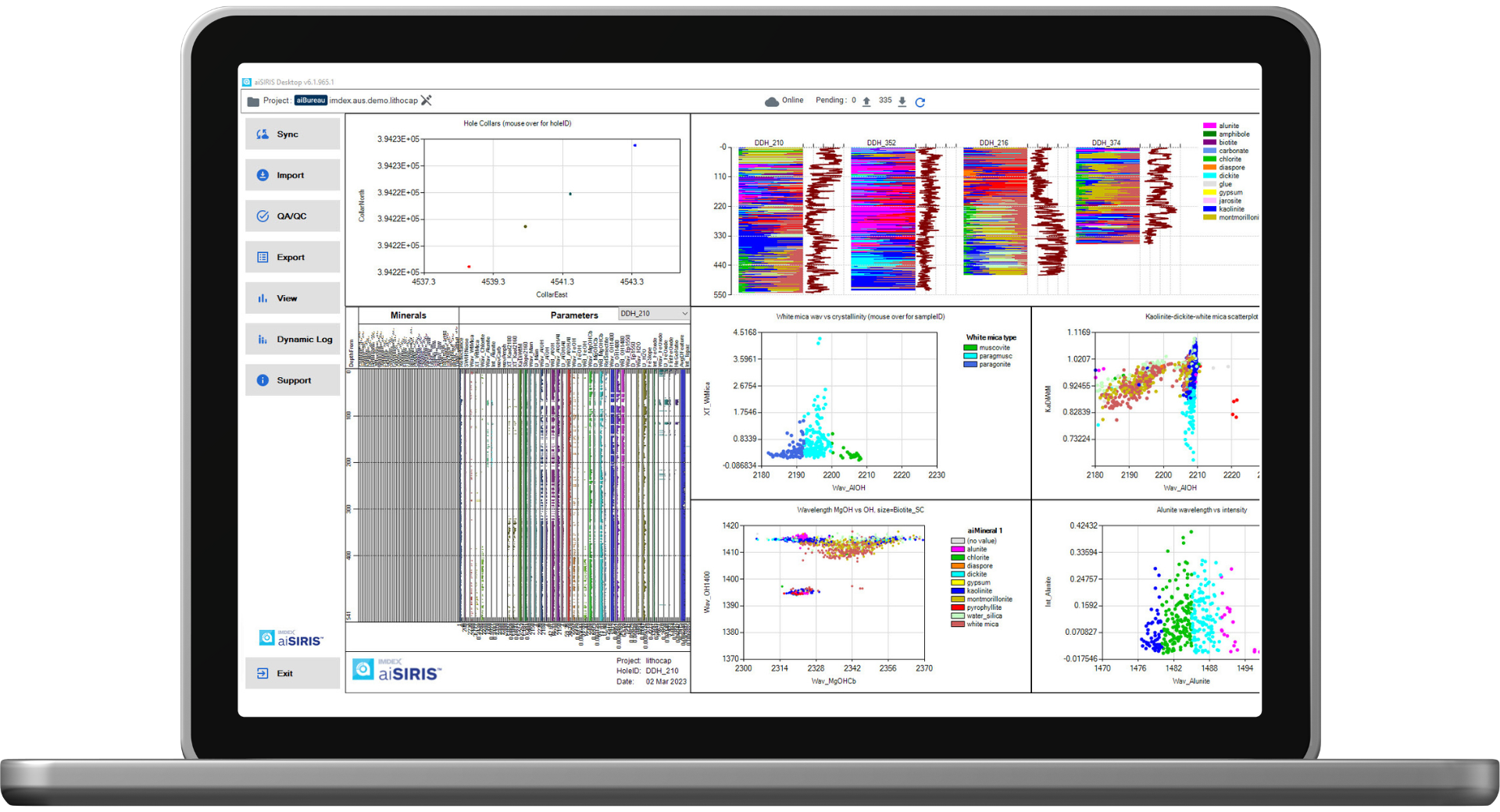
4IMDEX aiSIRIS™ is a cloud-based mineral interpretation AI system for portable infrared spectrometer data, used across 100+ minex sites around the world
SEG 100 Conference – Celebrating a Century of Discovery
WS03 – Discovery Through Mineralogy: Fundamental Aspects of Alteration Mapping and Spectroscopy
Date: Thursday, September 9 and Friday, September 10
Time: 12:00pm – 4:00pm (PDT)
Location: Virtual Platform
Presenters: Anne Thompson and John Thompson (PetraScience Consultants Inc.), Sasha Pontual (Global Product Manager Automated Mineralogy at IMDEX)
Understanding alteration mineralogy is a fundamental part of mineral exploration and target identification. This two-day workshop (4 hours each day) will develop skills for field and project geologists, including critical field observation techniques, the use of field portable spectrometers as an effective tool, and data interpretation. Workshop includes interactive group work with prospect data.
For troubleshooting, search our knowledge base or lodge an enquiry in our service portal.
Get helpOur dedicated team can provide comprehensive product or solution training on site, in office or online.
Enquire NowFind out about our upcoming developments and innovative solutions in our video and webinar library.
Watch now